
Live Traffic Navigation with Real-Time Updates
Overview
Waze Navigation Live Traffic is a free navigation application designed for iOS users seeking real-time route guidance and dynamic traffic insights. Built on a user-driven data model, the app delivers up-to-date information on traffic congestion, accidents, roadblocks, and police presence. It is tailored primarily for drivers who require immediate route adjustments to avoid delays and improve travel efficiency. The software operates without requiring a user account, though registration unlocks additional community-based features and rewards.
Target users include daily commuters, long-distance travelers, and drivers navigating unfamiliar areas. The app’s core value lies in its ability to adapt routes in real time based on crowd-sourced data, offering a responsive alternative to traditional map services. Despite being acquired by Google in 2013, Waze maintains operational independence and does not rely on Google’s mapping infrastructure, preserving its unique data ecosystem.
Real-world use cases include avoiding traffic jams during peak hours, identifying nearby gas stations with competitive pricing, and sharing estimated arrival times with others. The app also supports Apple CarPlay integration, enabling seamless use through vehicle infotainment systems. While the app is free to download and use, it includes advertisements that appear when the vehicle is stationary, which may affect user experience in certain scenarios.
Key Features & Capabilities
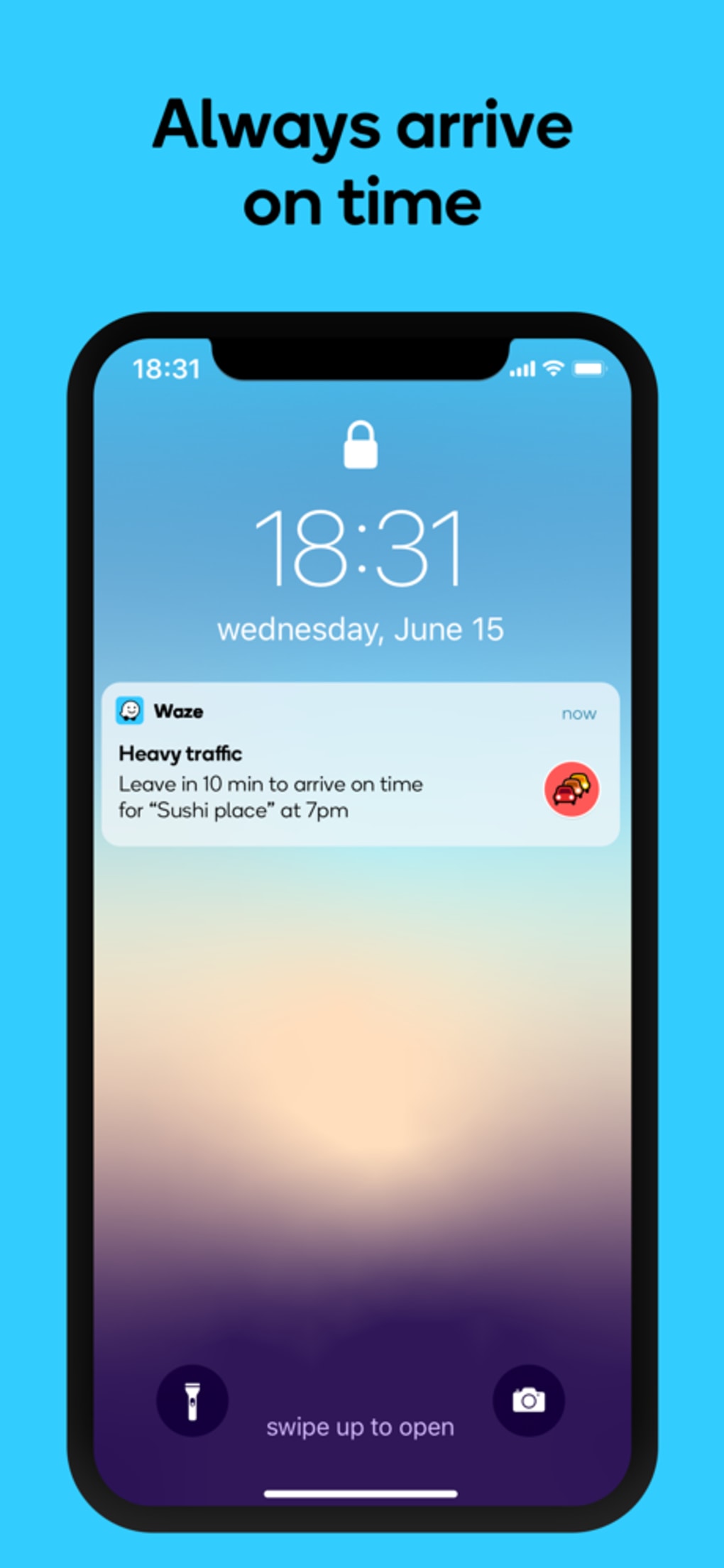
- Real-Time Traffic Alerts – Waze processes live data from users to detect traffic slowdowns, accidents, and roadwork, providing instant notifications to help drivers avoid congestion.
- Dynamic Route Rerouting – The app continuously recalculates routes based on current road conditions, offering faster alternatives when delays are detected.
- User-Generated Reports – Drivers can report hazards, speed traps, and police locations, contributing to a shared database that enhances navigation accuracy for all users.
- Speed Limit and Speed Bump Alerts – New features include warnings for upcoming speed reductions and speed bumps, helping drivers adjust their speed safely and reduce the risk of sudden braking.
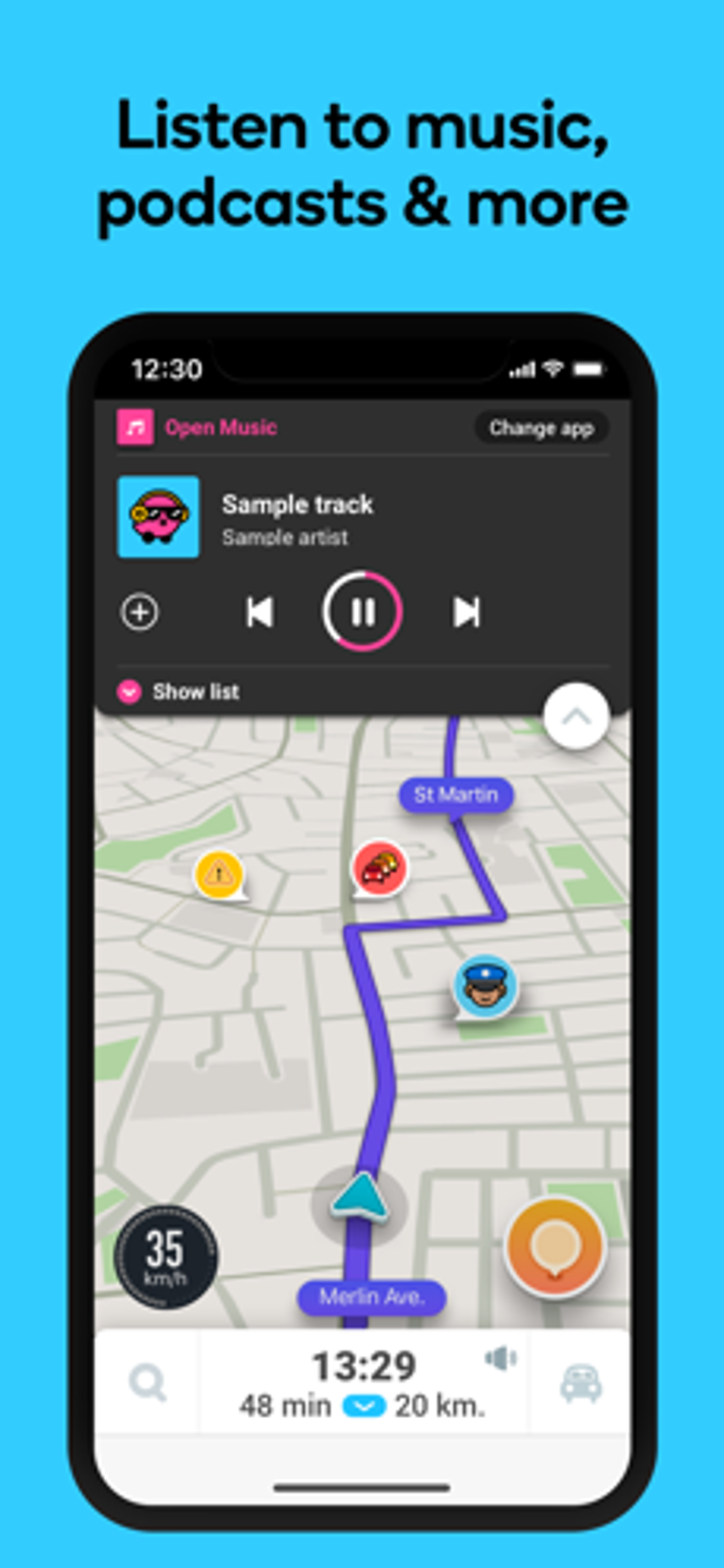
- Integrated Music and Podcast Playback – Users can listen to their favorite audio content without leaving the navigation interface, improving driving convenience.
- Apple CarPlay Support – Enhanced compatibility allows full access to Waze features through compatible vehicle infotainment systems, improving usability while driving.
- Offline Map Storage – The app caches route data locally, enabling basic navigation without an active internet connection, though real-time rerouting requires connectivity.
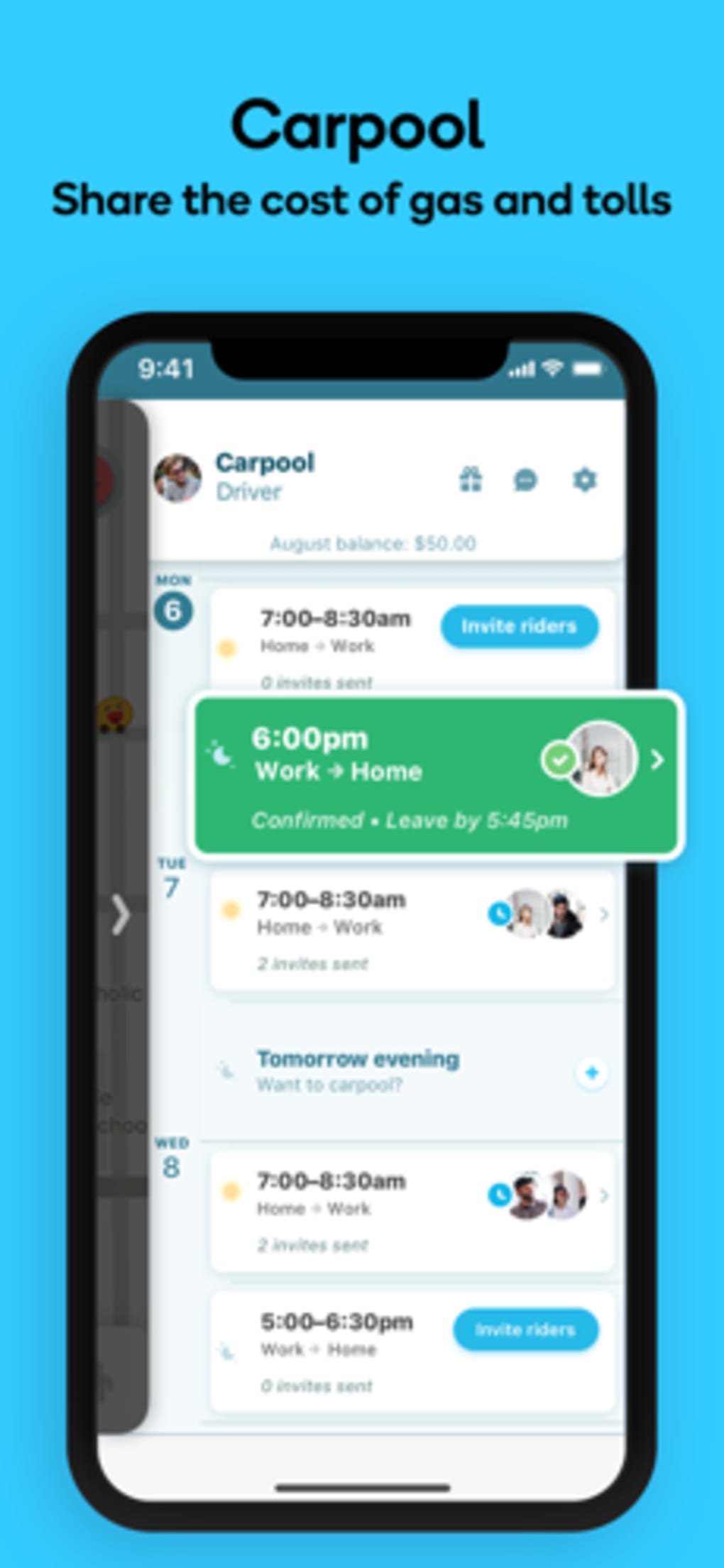
- Carpool Service – A built-in feature connects drivers with others traveling toward the same destination, promoting shared rides and reduced travel costs.
These features collectively support efficient, informed, and safer driving. For example, a commuter in a congested urban area can receive an alert about a recent accident and be rerouted within seconds. Similarly, a long-distance traveler can locate low-cost fuel stops and share their ETA with family members without switching apps. The integration of audio playback and CarPlay ensures that users remain engaged and informed without distractions.
User Interface, Workflow & Performance
The user interface of Waze Navigation Live Traffic is centered around a clear, interactive map with layered visual cues for traffic conditions, hazards, and route guidance. Navigation is primarily gesture-based, with options to zoom, pan, and access menus through on-screen icons. While the map is legible and responsive, some users may find the placement of controls inconsistent, with key functions located in less intuitive positions.
Workflow efficiency depends on the user’s familiarity with the app. New users may require time to locate features like reporting incidents or adjusting alert preferences. The app performs well under normal usage conditions, though performance observations are based on general software behavior patterns, as exact resource usage details were not specified.
Stability appears consistent across sessions, with no widespread reports of crashes or freezes. However, the app occasionally displays pop-up ads when the vehicle is not in motion, which may disrupt the user experience. The developer did not specify resource usage details, so CPU and RAM behavior cannot be assessed. Overall, the interface supports core navigation tasks effectively, though minor usability friction may exist for less experienced users.
Compatibility & System Requirements
Waze Navigation Live Traffic is designed for iOS devices and requires the latest compatible version of the operating system. The application has a file size of 146.3 MB, which is typical for a feature-rich navigation tool. The developer did not provide additional system requirements, such as minimum processor speed, RAM, or storage space.
Compatibility information is limited to the iOS platform. No details were provided regarding supported iPhone or iPad models, or specific iOS version requirements. The app supports Apple CarPlay integration, indicating compatibility with vehicles that offer this feature. Users should ensure their device meets the general requirements for running modern iOS applications.
Pros and Cons
Pros
- Free to download and use with no subscription fees
- Real-time traffic and hazard alerts powered by user reports
- Dynamic rerouting adjusts to changing road conditions instantly
- Supports Apple CarPlay for in-car navigation
- Offline map caching enables basic navigation without internet
- Integrated music and podcast playback without switching apps
- Offers carpooling and gas station price comparisons
- New speed limit and speed bump alerts improve safety
Cons
- Pop-up ads appear when the vehicle is stationary, which may be distracting
- Interface layout can feel cluttered with small, hard-to-reach icons
- Some features require a user account to access fully
- Offline routing lacks real-time rerouting capabilities
- Speed limit data depends on map editor contributions, which may vary in accuracy
FAQ Section
Is Waze Navigation Live Traffic available for free?
Yes, the app is completely free to download and use. It is supported by advertisements, which appear when the vehicle is not in motion.
Does Waze work offline?
Yes, the app stores a local copy of your route, allowing navigation without an internet connection. However, real-time rerouting and live traffic updates require an active connection.
Is Waze compatible with Apple CarPlay?
Yes, Waze supports Apple CarPlay, enabling full access to navigation features through compatible vehicle infotainment systems.
Can I use Waze without creating an account?
Yes, the app can be used without a user account. However, signing up allows access to additional features, such as earning points and contributing to the community.
How are speed limit alerts updated?
Speed limit changes are added by map editors rather than reported by users. The rollout is stage-based, so availability may vary depending on local data updates.
Final Thoughts
Waze Navigation Live Traffic stands out as a robust, community-powered navigation solution for iOS users. Its real-time traffic insights, dynamic rerouting, and integration with Apple CarPlay make it a strong choice for drivers seeking efficiency and safety. While the interface could benefit from refinement and the presence of ads may be disruptive, the app delivers tangible value through its live data network.
It is especially beneficial for daily commuters, road-trippers, and drivers who prioritize up-to-the-minute route adjustments. The addition of speed limit and speed bump alerts further strengthens its position as a safety-focused tool. Despite minor usability challenges, the app remains a reliable and feature-rich alternative to mainstream navigation platforms.
Download Waze Navigation Live Traffic now.







